A single Salesforce release can quietly break a validation rule that has run flawlessly for two years. A custom lightning component that worked on Friday throws an error on Monday because an upstream flow changed. An admin clicks "deploy," and three days later sales reps discover that opportunities are no longer syncing to the billing system. None of this shows up in a code review, because most of it never lived in code.
This is the reality QA teams inherit the moment a business standardizes on Salesforce, and it is exactly why Salesforce testing has become a discipline of its own rather than a footnote in a release checklist.
This guide breaks down what Salesforce testing actually involves in 2026, why it resists traditional approaches, and how modern QA teams build coverage that keeps pace with the platform.
What is Salesforce testing?
Salesforce testing is the process of validating that your Salesforce org, including its standard features, custom configuration, automations, and integrations, behaves correctly after every change. It spans functional checks, regression suites, integration validation, performance, and security, applied across declarative customizations (flows, validation rules, page layouts) and programmatic ones (Apex, Lightning Web Components, triggers).
In short: it confirms that the CRM your revenue depends on still works the way the business expects, release after release.
The stakes are not abstract. Salesforce holds a 20.7% share of the worldwide CRM market and has ranked #1 for twelve consecutive years, serving more than 150,000 customers, including nine of every ten Fortune 500 companies (IDC via Salesforce, 2025).
When that many critical workflows run on one platform, untested changes carry real financial weight. The Consortium for Information & Software Quality estimated the cost of poor software quality in the US at $2.41 trillion (CISQ, 2022).
Why Salesforce testing is uniquely difficult
Plenty of teams try to test Salesforce the way they test a static web app, then wonder why their suites are perpetually red. Three structural realities make the platform harder.
Three major releases every year
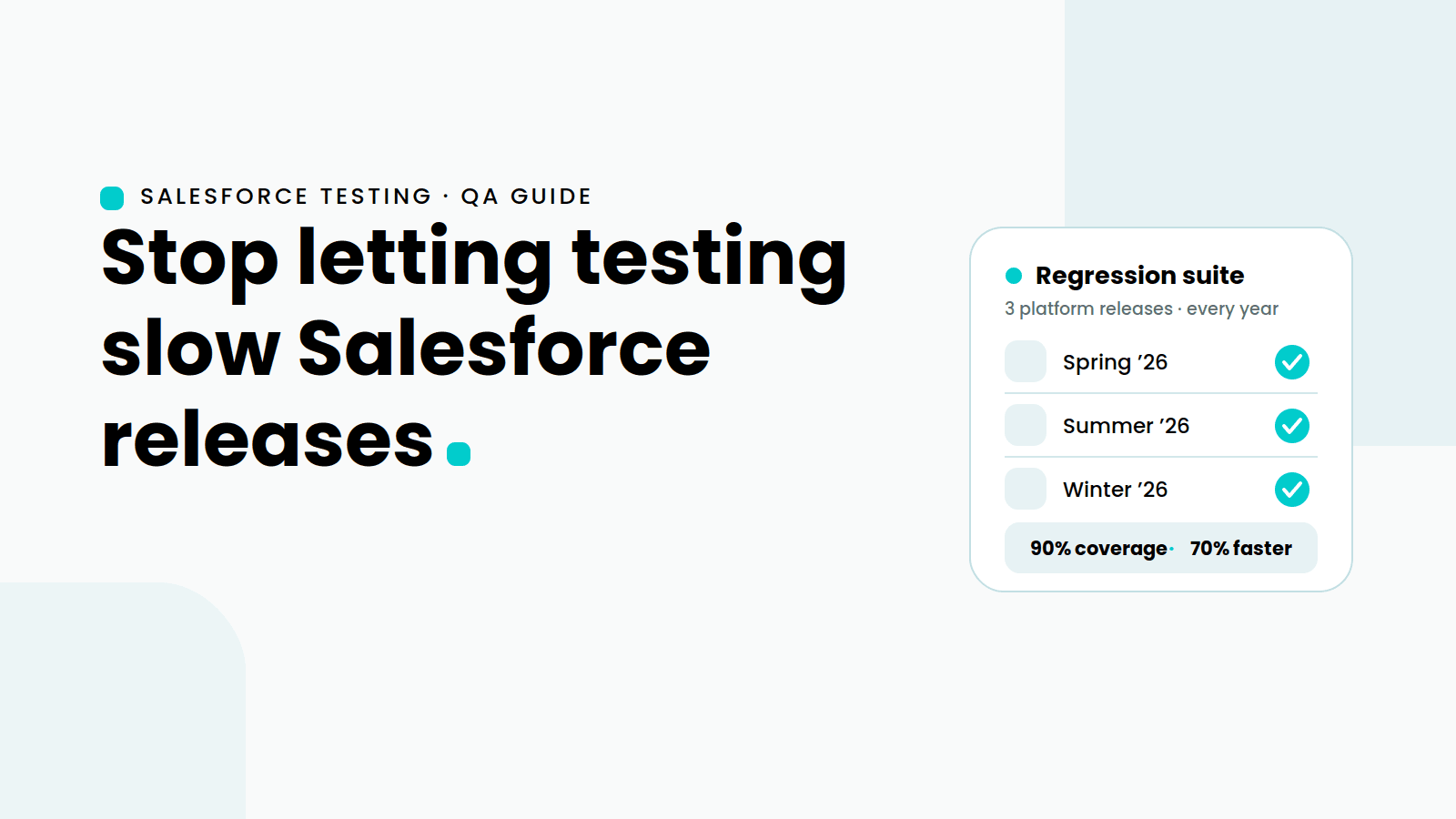
Salesforce ships major updates to its core platform three times a year, on top of continuous updates across the portfolio (Salesforce SEC filing, FY2026). Each Spring, Summer, and Winter release can alter UI behavior, deprecate features, or shift the DOM your scripts depend on. A test pyramid built once and left alone will erode within a single release cycle.
Heavy customization and dynamic UIs
Two Salesforce orgs are rarely alike. Lightning's dynamic, frequently re-rendered DOM produces shifting element IDs and auto-generated locators that shatter brittle, hard-coded scripts. This is the single biggest source of flaky tests in salesforce application testing, and it is why locator strategy matters more here than almost anywhere else.
This is also where visual locators have become a meaningful alternative to traditional DOM-based ones. Instead of anchoring a test to an XPath or auto-generated ID that Lightning may rewrite on the next render, visual locators identify elements the way a human tester does, by what they look like and where they sit on the screen - a button's label, an icon, its position relative to a known field.
Because they do not depend on the underlying markup, they tend to survive the re-renders and ID churn that break conventional locators, which directly attacks the flakiness problem above. The trade-off is worth understanding: purely visual approaches can be sensitive to layout shifts, theming, and resolution changes, so the most resilient strategy usually blends visual locators with stable attribute-based ones rather than relying on either alone. For an org where the DOM is the least stable thing about the platform, that blend is often the difference between a regression suite you trust and one you constantly re-author.
Sprawling integrations
A modern org rarely stands alone. It connects to ERP, billing, marketing automation, data warehouses, and dozens of AppExchange packages. Validating one screen tells you little if the data never reaches the downstream system. Real coverage has to follow the record across system boundaries, a challenge shared with broader CRM application testing.
What should you test in a Salesforce org?
Effective coverage maps to how the platform is actually used:
Functional and UI testingfor flows, validation rules, page layouts, and Lightning components across Sales Cloud, Service Cloud, and beyond.
Regression testing before every release to catch what the latest change quietly broke. Automated regression testing is the backbone of any Salesforce QA practice.
Integration and API testing to confirm data moves correctly between Salesforce and connected systems.
Security and access testing for profiles, permission sets, sharing rules, and field-level security.
Performance testing for page load and bulk operations under realistic data volumes.
End-to-end business process testing, such as lead-to-cash, that crosses several clouds and external apps.
Manual versus automated: why Salesforce test automation wins
Manual testing has a place for exploratory work and one-off checks. As the primary safety net, it fails at scale. With three forced releases a year plus your own sprint cadence, the regression burden compounds until manual QA becomes the bottleneck that delays every deployment.
This is where salesforce test automation changes the economics. Automated suites run unattended, in parallel, inside your pipeline, and surface failures before code reaches production. The broader automation testing market reflects the shift: it is projected to grow from roughly $29.3 billion in 2025 to nearly $60 billion by 2029, a 19.6% compound annual growth rate (The Business Research Company, 2025). Teams adopt automation not because it is fashionable, but because manual coverage cannot keep up with release velocity.
The reason no-code approaches have gained ground specifically for Salesforce is detailed in this breakdown of why no-code test automation for Salesforce is the smarter way to test: admins and business analysts who know the workflows best can build and maintain tests without waiting on engineering.
How to choose Salesforce testing tools
The right salesforce testing tools share a few non-negotiable traits. Use this as a checklist when you evaluate salesforce test automation tools:
Native handling of Lightning's dynamic DOM, so locators survive re-renders and platform updates without constant rework.
Low maintenance through reusable components and intelligent locators, since maintenance, not creation, is where automation budgets die.
End-to-end reach across UI, API, and integrations, so a single test can follow a record from screen to downstream system.
CI/CD integration, so tests run automatically on every deployment. See how no-code testing fits into CI/CD pipelines.
Accessibility for non-developers, which widens who can contribute and reduces the QA backlog.
Coverage across all your clouds, from Sales and Service to CPQ, Experience Cloud, and Field Service.
For a wider comparison of the category, this roundup of no-code automation testing tools is a useful starting point.
Building a Salesforce testing strategy for 2026
A strategy that survives the release cadence looks roughly like this. Start by identifying your highest-risk business processes, the lead-to-cash and case-to-resolution journeys that lose money when they fail. Automate those first.
Build a regression suite from reusable, modular blocks so a single platform change updates one component instead of fifty scripts. Wire that suite into your CI/CD pipeline so it runs on every deployment and sandbox refresh. Then expand coverage outward to integrations, security, and performance.
Crucially, treat the three annual releases as scheduled events, not surprises. Run your full regression suite against each preview sandbox before the release reaches production, and you turn the platform's biggest risk into a routine, automated checkpoint.
Sedstart is built for exactly this rhythm. Its codeless, AI-assisted approach handles Lightning's dynamic UIs, auto-synchronizes to reduce flaky tests, and supports every major Salesforce cloud, helping teams reach up to 90% coverage and release up to 70% faster. You can explore the full capability set on the Sedstart for Salesforce page or this practical look at simplifying Salesforce testing with a no-code tool.
Stop letting testing slow down your Salesforce releases
Salesforce will keep evolving three times a year whether your test coverage is ready or not. The teams that ship confidently are the ones that automated the repetitive validation and freed their people for the work that needs judgment. If manual regression is the reason your releases drag, it does not have to stay that way.
See it on your own org. Book a demo or start a free trial of Sedstart for Salesforce and watch true no-code automation handle your most complex Salesforce workflows, no scripting required.