Introduction
There is a specific type of production incident that keeps QA leads awake at night. Not the ones caused by bad code, but the ones caused by a test case that someone silently changed two sprints ago. The original flow validated a critical payment path. Someone refactored it to cover a slightly different scenario. Nobody reviewed it. Nobody signed off. The regression suite ran green, the release went out, and a checkout bug made it to customers.
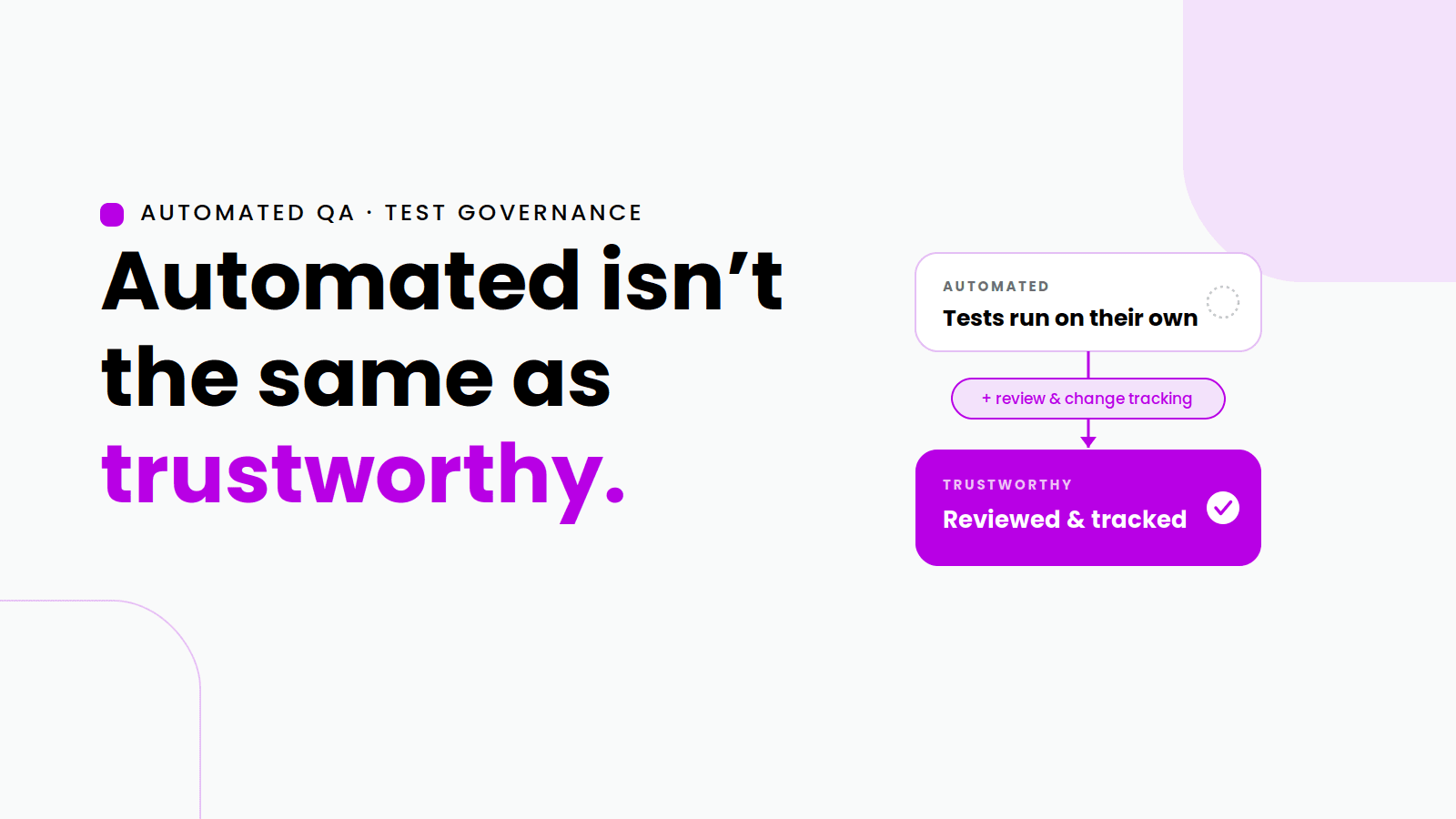
This is not a hypothetical. It happens regularly on teams where test cases are treated as drafts that anyone can edit at any time. The automation exists, but the governance around it does not. The gap between having automated tests and having trustworthy automated tests is often exactly this: structured review and change tracking.
Sedstart's Approval and Versioning process was designed specifically to close that gap. It brings the same kind of change control that engineering teams apply to source code - review, approval, history, rollback - into the test automation layer, without adding friction or requiring a separate toolchain. This post breaks down what the feature does, why it matters, and how it works in the context of a real QA team.
What is the approval and versioning process in QA?
In software development, version control is non-negotiable. Every code change is tracked, reviewed via pull request, approved by a peer, and merged into a controlled branch. The history is preserved indefinitely, and any change can be reversed. These safeguards exist because unreviewed code changes in production create risk.
Test automation deserves the same treatment and historically, it rarely gets it. Most test automation frameworks store test scripts as files in a repository, which means the version control is only as good as the team's discipline around committing, reviewing, and branching. For no-code test platforms, where tests are configured through a visual interface rather than written as code files, there is often no version control at all.
An approval and versioning process for test cases means:
Every change to a test case like adding a step, modifying an assertion, or changing a locator, is tracked and attributed to a specific author.
Changes must go through a review and approval step before they take effect in the active test suite.
A full history of previous versions is maintained, so any version can be compared or restored.
Access controls determine who can make changes versus who can approve them.
Sedstart builds all of this into the platform natively, making governance a feature rather than an afterthought.
How Sedstart's approval and versioning process works
Sedstart's implementation is built around a structured workflow that mirrors how mature engineering organisations handle code review, adapted specifically for test automation.
1. Making a change
When a tester modifies an existing test case in Sedstart, whether adjusting a step, updating expected values, or changing the test flow, the platform captures that change as a pending revision. The test case is not immediately updated in the active suite. Instead, the changes are staged for review, keeping the live version of the test intact until explicitly approved.
2. Raising for review
Once the tester is satisfied with their changes, they submit the revision for approval. This triggers a notification to the designated reviewer, typically a QA lead, senior automation engineer, or test manager. The reviewer can see exactly what changed: a side-by-side comparison of the previous version and the proposed revision, with each modification clearly highlighted.
3. Reviewing and approving
The reviewer examines the proposed changes in context. They can approve the revision, allowing it to be promoted to the active test suite, or reject it with feedback if corrections are needed. This gate ensures that no untested or incorrectly structured test case enters the production regression suite without a second pair of eyes.
4. Version history
Every approved and rejected revision is stored in Sedstart's version history for that test case. Teams can see who made each change, when it was made, what the previous state was, and who approved or rejected it. If a test case starts failing unexpectedly, the history provides immediate context — was there a recent change that might explain the failure?
5. Rollback
If a recent change is identified as the source of a problem, teams can restore a previous version of the test case directly from the version history, without needing to manually reconstruct the prior state.
Why this matters: The real cost of uncontrolled test changes
Consider the typical lifecycle of an automated test suite at a fast-moving product company. Tests are created, modified, and occasionally deleted as the application evolves. On a team of six QA engineers working across multiple features simultaneously, it is not unusual for a single test case to be touched by three different people in a single sprint.
Without approval and versioning, the risks compound:
A tester fixes a failing test by adjusting an assertion threshold, not realising the original threshold was intentional and important.
A well-intentioned refactor changes a shared reusable step, inadvertently breaking twelve test cases that depend on it.
A test is deleted because it was "redundant," but it was actually the only coverage for a specific edge case.
Compliance auditors ask for evidence that tests were reviewed before being run, but there is no audit trail to provide.
Each of these is a real scenario. Sedstart's approval and versioning process prevents them not by restricting who can work on tests, but by ensuring that work is reviewed before it takes effect.
How approval and versioning fits into Sedstart's broader platform
The approval and versioning feature does not operate in isolation inside Sedstart. It is one part of an integrated no-code test automation platform designed around the needs of QA teams working at scale.
No-code test creation
Test cases are built and modified through Sedstart's visual interface, using drag-and-drop steps and control flows. The same interface is where versioned changes are made, keeping everything in one place.
Record and play
Tests recorded using Sedstart's Chrome extension can be immediately submitted through the approval workflow before being promoted to the active suite, ensuring even newly recorded tests meet quality standards before running in CI/CD.
Reusable scripts and object patterns
When a shared reusable script is modified, the change goes through the same approval process, protecting all test cases that depend on it from unvalidated updates.
CI/CD integration
Only approved test versions run in Sedstart's CI/CD pipeline integrations, ensuring that Jenkins, GitHub Actions, or Azure DevOps pipelines always execute reviewed, stable tests.
Parallel execution
Test suites scheduled for parallel execution pull from approved test versions, preventing a work-in-progress revision from being accidentally included in a scheduled regression run.
Approval workflows and compliance: A note for regulated industries
For QA teams in regulated industries like financial services, healthcare, pharmaceutical, and government technology, the ability to demonstrate that tests were reviewed before execution is not a nice-to-have. It is frequently a compliance requirement.
Sedstart's built-in approval history provides an audit-ready record out of the box:
Who authored each test change and when
Who reviewed and approved it
The exact state of the test at each version
A chronological history of all revisions
This evidence is available natively within the platform, without requiring manual documentation, external ticketing systems, or post-hoc reconstruction from version control logs.
For teams operating under frameworks that require documented QA governance such as those handling financial data, patient records, or regulated software, this removes a significant administrative overhead from the compliance process.
Approval and versioning vs. ad-hoc change management
| Aspect | **Without Approval & Versioning ** | **With Sedstart’s Approval & Versioning Feature ** |
|---|---|---|
| Change tracking | Manual or absent | Automatic, per-revision |
| Review process | Informal, inconsistent | Structured, enforced gate |
| Rollback ability | Manual reconstruction | One-click restore |
| Audit trail | Scattered across tools | Centralised in platform |
| Risk to live suite | High - any change is immediate | Low - changes staged until approved |
| Compliance readiness | Requires manual documentation | Built-in, exportable history |
| Shared component safety | Changes affect all dependents immediately | Approved before propagation |
Benefits for QA teams
Safer test suites
Unreviewed changes never reach the active regression suite. Teams catch mistakes at the review stage rather than during a failed pipeline run.
Accountability without bureaucracy
Every change is attributed to a specific author, and every approval is attributed to a specific reviewer. The process is lightweight enough not to slow teams down, but structured enough to create genuine accountability.
Faster root cause analysis
When a test starts failing, version history makes it immediately clear whether a recent change is the cause, cutting root cause analysis time significantly.
Compliance without extra effort
Regulated teams get audit-ready documentation as a by-product of the workflow, not an additional task on top of it.
Confidence in shared components
Changes to reusable scripts and object patterns go through the same review gate, protecting the entire test suite from a single unreviewed modification to a widely used component.
Cross-functional trust
Product managers, compliance officers, and engineering leads can see a clear record of what tests exist, what they cover, and how they have changed — building trust in the QA process across the organisation.
Getting started with approval and versioning in Sedstart
Setting up the approval workflow in Sedstart does not require a separate configuration project. It is part of the platform's core functionality and can be enabled and configured through the team settings:
Define roles — identify who can author changes to test cases and who is authorised to approve them.
Set up review assignments — configure which reviewers receive notifications for different test suites or application areas.
Begin working — testers make changes as normal in the visual interface; the approval step is automatically introduced before changes take effect.
Monitor version history — use the version history panel in each test case to review the full change log at any time.
Full documentation is available at docs.sedstart.com. For teams new to structured test governance, Sedstart's team also offers onboarding support to help configure the workflow for your specific organisational structure.
Conclusion
Automated tests are only as trustworthy as the process that governs them. Sedstart's Approval and Versioning process brings that level of discipline to no-code test automation. It turns test governance from a compliance checkbox into a routine part of how teams work, creating safer suites, faster investigations, and audit-ready documentation without adding administrative overhead.
For QA teams serious about test quality at scale, not just test quantity, this is the infrastructure that makes automation sustainable.
Ready to bring structure to your test automation? Start your free trial and explore Approval and Versioning alongside the full Sedstart platform. Or book a personalised demo and see how the workflow maps to your team's specific structure and compliance requirements.