Introduction
If your product team just shipped a sweeping redesign of the checkout flow, your test suite might have forty carefully written scripts that walk through that journey. Imagine, within hours of deployment, every one of them is red. Not because the feature broke but because a button label changed, a form ID shifted, and the old locators can no longer find what they are looking for. This problem has quietly drained QA teams for years.
The promise of record-and-play testing has always been to short-circuit that pain. It lets the tool watch what a human does and then repeat it on demand. In practice, older approaches to this idea created a different problem: the recorded scripts were so brittle that they broke the moment a developer sneezed near the codebase. Teams found themselves re-recording more often than testing.
Sedstart's record and play feature was built with a clear-eyed view of those historical shortcomings. Built on a Playwright foundation and paired with intelligent locator generation, it converts your real browser interactions into structured, reusable, code-free test steps that hold up when the UI shifts.
This post walks through exactly what that means, how it works in practice, and why it matters for QA teams that want automation velocity without the fragility tax.
What is record and play testing?
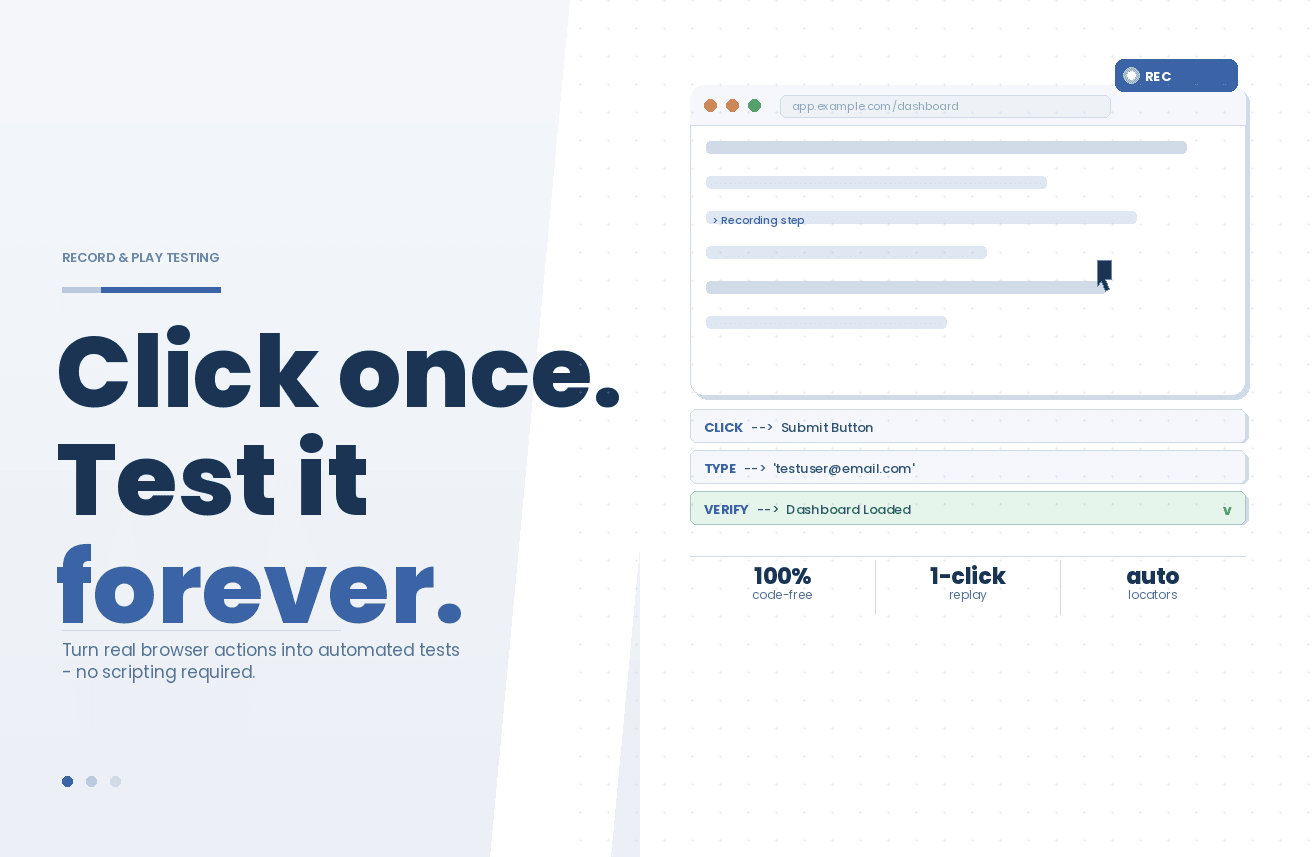
Record and play (also called record and playback) is a method of creating automated tests by capturing a tester's live interactions with an application — clicks, form inputs, navigation events, keyboard actions — and saving those interactions as a reusable test script. When the test is executed later, the tool replays those same interactions against the application under test and verifies that the expected outcomes still hold.
The core appeal is speed and accessibility. A tester does not need to know how to write Selenium selectors or understand async/await patterns in JavaScript to produce a working automated test. They navigate through the application the way any real user would, and the tool does the translation work.
What separates modern record-and-play implementations, like the one inside Sedstart, from older generation tools is the quality of what gets recorded. Traditional recorders captured raw DOM attributes: an element's exact ID, its precise XPath, or its CSS class at the moment of recording. Any change to those attributes, even a cosmetic one, caused test failures at playback. Modern no-code test recorders use context-aware locator strategies that survive routine UI changes, making the tests durable rather than disposable.
How Sedstart's record and play feature works
Sedstart's Record and Play is delivered through a dedicated Chrome extension - the Sedstart Recorder. Here is what the end-to-end workflow looks like:
Step 1: Launch the recorder
From inside the Sedstart platform, a tester opens the test case they want to populate, then activates the Sedstart Recorder Chrome extension. The extension connects the active browser tab to the Sedstart session, ready to observe every interaction.
Step 2: Perform the user journey
The tester navigates through the application exactly as a real user would - logging in, filling out forms, clicking through menus, selecting options, and arriving at the outcome they want to verify. The Sedstart Recorder silently watches and logs each action in real time.
Step 3: Reliable locators are auto-generated
This is where Sedstart's approach diverges from older tools. Rather than blindly capturing a single DOM attribute, the recorder evaluates multiple signals for each element like its visible text, its role in the page hierarchy, its position relative to surrounding elements, and any stable identifiers that exist. The result is an auto-generated locator that is robust enough to survive minor UI changes without requiring manual correction.
Step 4: Steps are structured and editable
Every captured action becomes a discrete, named step inside the test case. These steps are immediately visible inside the Sedstart interface, where they can be reordered, renamed, parameterized, or combined with existing reusable blocks. Because the platform is fully no-code, modifying a recorded step requires no script editing, but a visual operation throughout.
Step 5: Add assertions
Recording captures interactions, but a test without assertions is just a demonstration. After recording, testers add verification steps, confirming that specific text appears, that a particular element is visible, that a page title matches - using the same visual interface. No XPath knowledge required.
Step 6: Execute and review
The completed test runs on Sedstart's cloud execution infrastructure, backed by Playwright for reliable cross-browser handling. Results, screenshots, and logs appear in Sedstart's dashboard, giving teams immediate visibility into what passed, what failed, and why.
Why Sedstart's approach to record and play is different
There are plenty of tools that offer some version of record-and-play functionality. What makes Sedstart's implementation worth examining specifically?
Playwright-Backed Execution: Sedstart runs on Playwright under the hood, which is the same framework that powers the automated testing stacks at major technology organizations. This means recorded tests benefit from Playwright's handling of dynamic content, network interception, and cross-browser support, without the tester needing to write a single line of Playwright code.
Auto-Generated, Resilient Locators: The recorder does not just capture an element's ID and move on. It builds locators using multiple attributes so that if one signal changes, the others keep the test on track. This directly addresses the most common complaint about legacy record-and-play tools - fragility.
Visual Locators: Alongside DOM-based signals, Sedstart can anchor an element to its visual appearance. When the underlying markup shifts but the element still appears where a user would expect it, the visual locator recognizes it by sight, much like a human tester would. This adds a layer of resilience on top of the multi-attribute strategy and is especially useful for dynamic components and graphically rendered interfaces where conventional DOM attributes are unstable or absent.
True No-Code, Not Low-Code: Some platforms market themselves as no-code but quietly require testers to edit generated scripts to make them useful. Sedstart's recorded steps live entirely within a visual interface. Modifications, parameterization, and reuse are all drag-and-drop or form-based operations.
Modular by Design: Recorded steps and full recorded flows can be converted into reusable building blocks across multiple test cases. Record the login journey once, extract it as a reusable block, and reference it from every test that needs authentication. There is no copy-pasting, no drift.
Integrated with the Full Platform: Recording is not a standalone feature. Recorded tests sit inside Sedstart's broader test management layer, with version control, approval workflows, CI/CD integration, parallel execution, and reporting all available from the same environment.
Real-world scenario: e-commerce checkout regression testing
Consider a mid-sized e-commerce team releasing a new checkout flow every two weeks as part of their agile sprint. Their QA team includes both experienced automation engineers and several business-side testers who understand the product deeply but have no scripting background.
Before adopting Sedstart, the engineering-side testers maintained a Cypress test suite. Every sprint, UI changes to the checkout flow required several hours of locator updates. Business testers could not contribute directly, creating a bottleneck.
After rolling out Sedstart's record and play:
A business tester records the complete checkout journey, from product selection and address entry to payment, and order confirmation - directly in the browser, spending around fifteen minutes doing so.
Sedstart captures each interaction and generates structured steps with resilient locators. The tester adds assertions to confirm that the order summary page displays the correct total and order number.
The recorded test is published inside Sedstart, versioned, and added to the regression suite. The login sequence is extracted as a reusable block shared with twelve other test cases.
In the following sprint, a developer renames the "Proceed to Payment" button to "Continue to Payment." Sedstart's locator strategy identifies the element through its role and context rather than its exact label alone, so the test continues to pass.
Tests run in parallel across Chrome, Edge, and Firefox as part of the CI/CD pipeline on every pull request, catching regressions before they reach staging.
The outcome: the business tester who recorded the flow is now an active contributor to the automation suite. Sprint-over-sprint test creation time dropped significantly. Maintenance which was previously a significant time sink, became rare rather than routine.
Benefits for QA teams
Faster test creation: Recording a full test scenario takes minutes rather than the hours required for manual script authoring. Teams can build test coverage that keeps pace with rapid release cycles.
Lower barrier to entry: Manual testers, business analysts, and product owners can record and maintain tests without relying on automation engineers for every change. This expands who can contribute to test quality.
Reduced maintenance burden: Resilient auto-generated locators mean that routine UI changes do not trigger test failures or require re-recording.
Reusable building blocks: Recorded flows become components. Common sequences like login, search, and cart management get recorded once and reused across the entire test suite, reducing duplication and keeping tests consistent.
Immediate CI/CD readiness: Recorded tests integrate directly into Jenkins, GitHub Actions, Azure DevOps, and other pipeline tools, enabling continuous automated regression testing without additional configuration.
Auditability and collaboration: Every recorded test is versioned inside Sedstart's approval and versioning system, giving teams a full change history and structured review process before tests reach production.
Record and Play vs. Manual Scripting: When to Use Each
| Dimension | Sedstart Record and Play | Manual Scripting (e.g., Playwright/Cypress) |
|---|---|---|
| Setup Time | Minutes | Hours to days |
| Skills Required | None - any team member | Coding expertise |
| Maintenance Effort | Low - resilient locators | High - fragile selectors |
| Customization | Visual, no-code | Full programmatic control |
| Collaboration | Cross-functional | Cross-functional |
| Best For | Regression coverage, onboarding, rapid sprints | Complex custom logic, API-level assertions |
Record and Play does not replace manual scripting for every use case. For complex conditional logic, intricate data transformations, or deeply custom assertions, coded frameworks remain powerful. What Sedstart's Record and Play does is handle the wide middle ground, the bulk of regression scenarios, smoke tests, and user journey validations, where the barrier of scripting has historically prevented teams from achieving meaningful coverage.
Common Misconceptions About Record and Play Testing
- Recorded tests are always fragile
This was true of first-generation tools that relied on single, brittle DOM attributes. Sedstart's approach uses context-aware, multi-signal locators specifically to overcome this limitation.
- You still need a developer to make recordings useful
In Sedstart, recorded steps are immediately editable, parameterizable, and reusable through a visual interface - no coding required at any stage.
- Record and play only works for simple flows
Sedstart's platform supports conditional logic, variables, loops, data profiles, and control flows within the same no-code environment where recording happens, enabling coverage of genuinely complex scenarios.
- Recorded tests can't run in CI/CD
Sedstart integrates directly with standard CI/CD pipelines, meaning recorded tests run automatically on every code push without any manual intervention.
Getting Started with Sedstart Record and Play
The practical steps to start using Sedstart Record and Play are straightforward:
Create or open a test case inside the Sedstart platform.
Install the Sedstart Recorder Chrome extension if not already present.
Activate the recorder and navigate to the application under test.
Walk through the user journey you want to automate. The recorder captures every interaction in real time.
Stop recording. Review and adjust the generated steps inside Sedstart.
Add assertions to verify expected outcomes.
Save, publish, and execute - locally, on-demand, or as part of an automated pipeline.
The first recorded test can be up and running within minutes of signing up.
Full documentation and step-by-step tutorials are available at docs.sedstart.com.
Conclusion
Record and play testing has always held the promise of making test automation accessible to every member of a QA team - not just those who write code. For years, that promise outran the reality. Brittle locators, high maintenance costs, and limited integration support meant that recorded tests often created more work than they saved.
Sedstart's Record and Play feature closes that gap. With a Playwright-backed engine, auto-generated resilient locators, a fully visual editing environment, and deep integration with CI/CD pipelines and the broader Sedstart platform, it gives teams a genuinely reliable way to build meaningful automated test coverage without scripting expertise.
For QA teams under pressure to ship faster without sacrificing quality, that is a material advantage, not just a convenience feature.